AI Video Generator: Text to Video and Image to Video
VdoBloom is an AI video generator with 77 video models in one place, including Seedance, Kling, Veo, Wan, Hailuo and Runway. Type a prompt or upload a photo, pick a model, and see the exact credit cost before you generate. New accounts get 10 credits with no card, and credit packs never expire.
Three ways to make an AI video
Text to video →
Describe a shot in words and the model renders it: subject, action, camera move and light. Best when you want a scene that does not exist yet.
Image to video →
Upload a photo and animate it. Best when a specific face, product or logo has to stay the same from the first frame to the last.
Effects and templates →
One-click looks such as hugging, kissing, dancing or a cinematic move, applied to your own photo with a tested prompt.
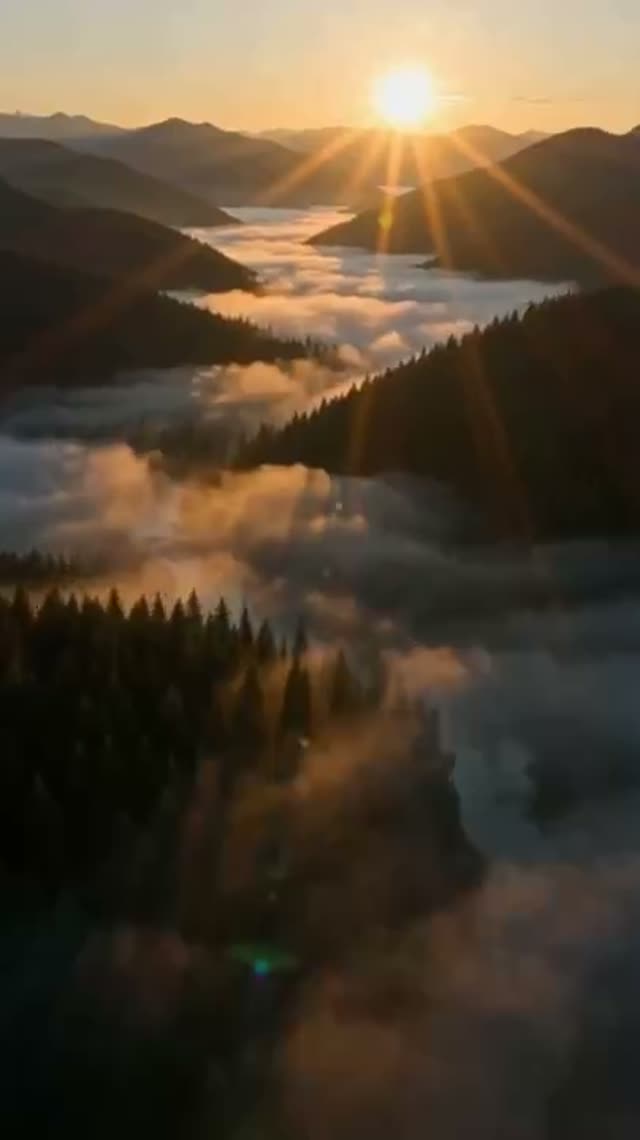
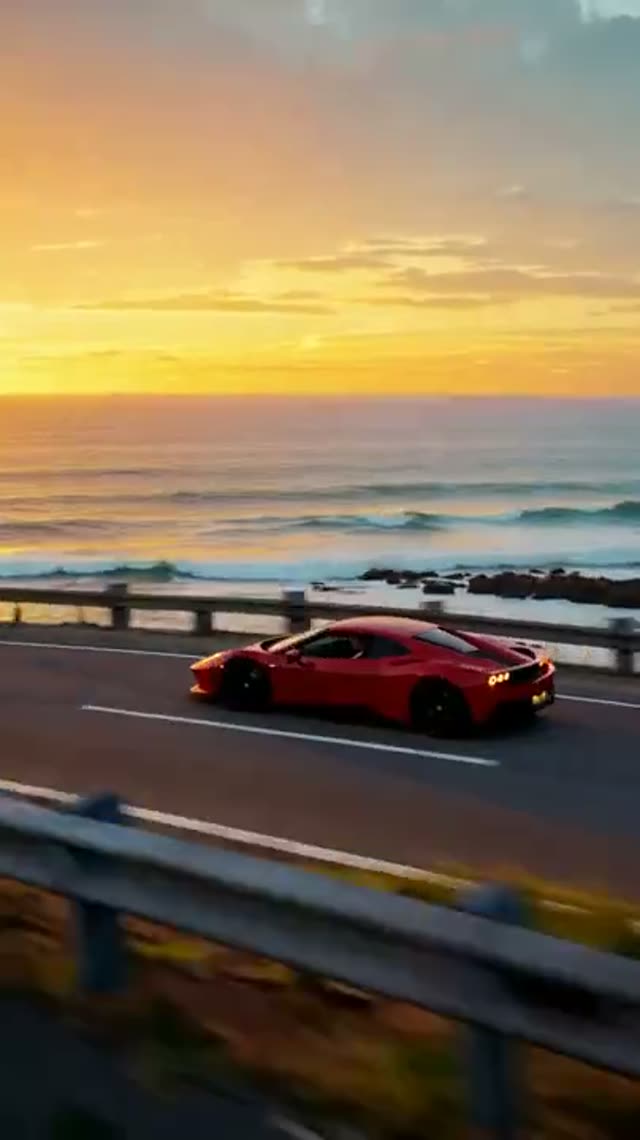
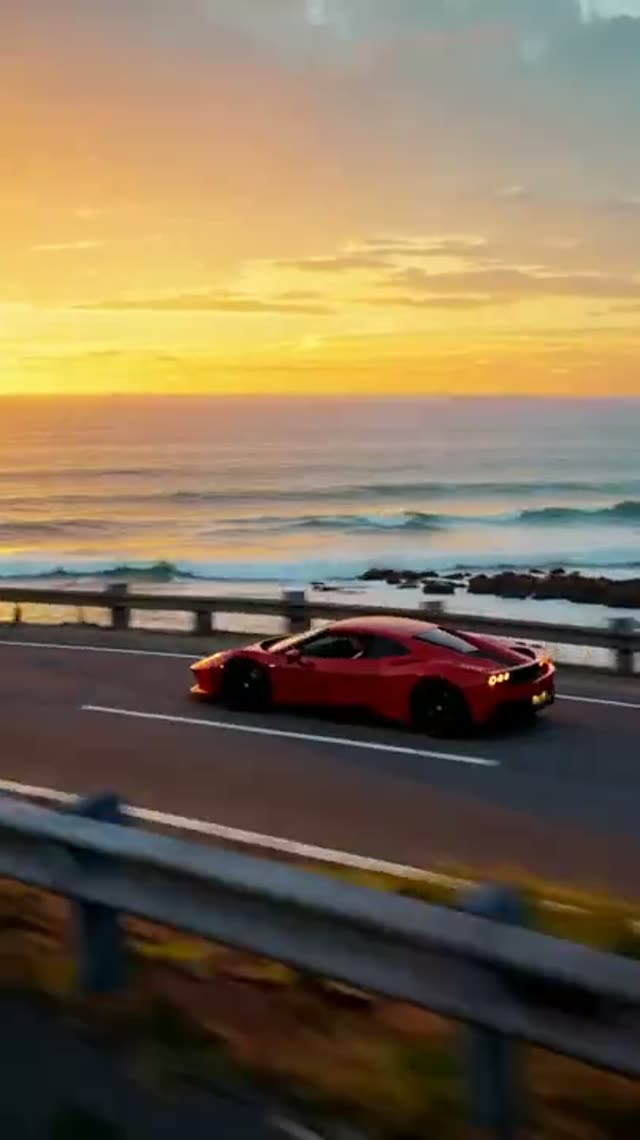
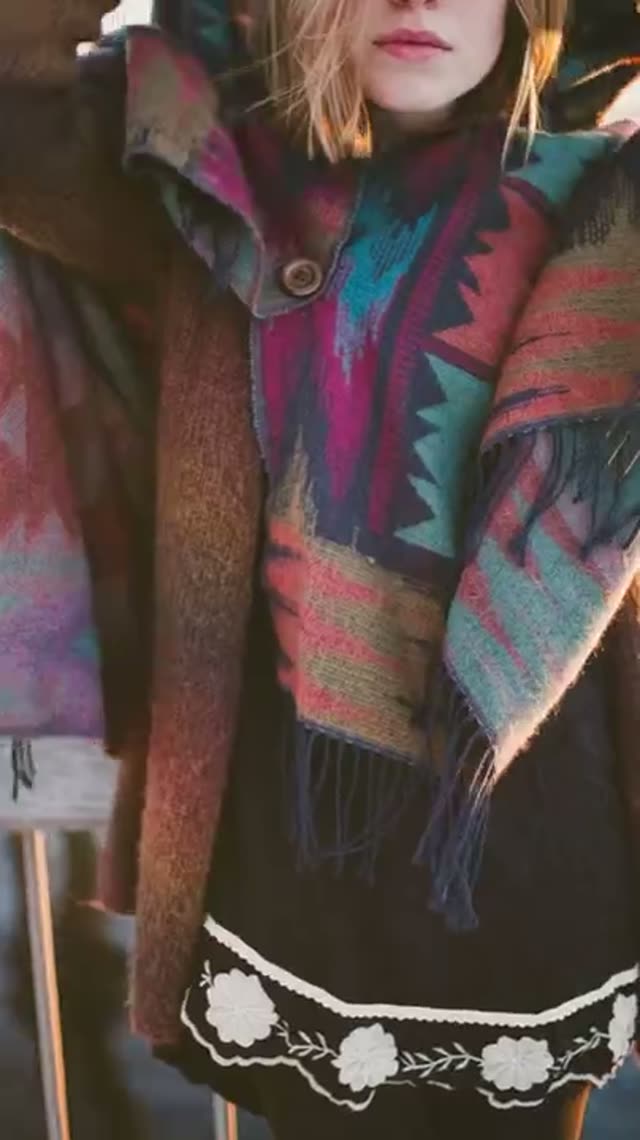
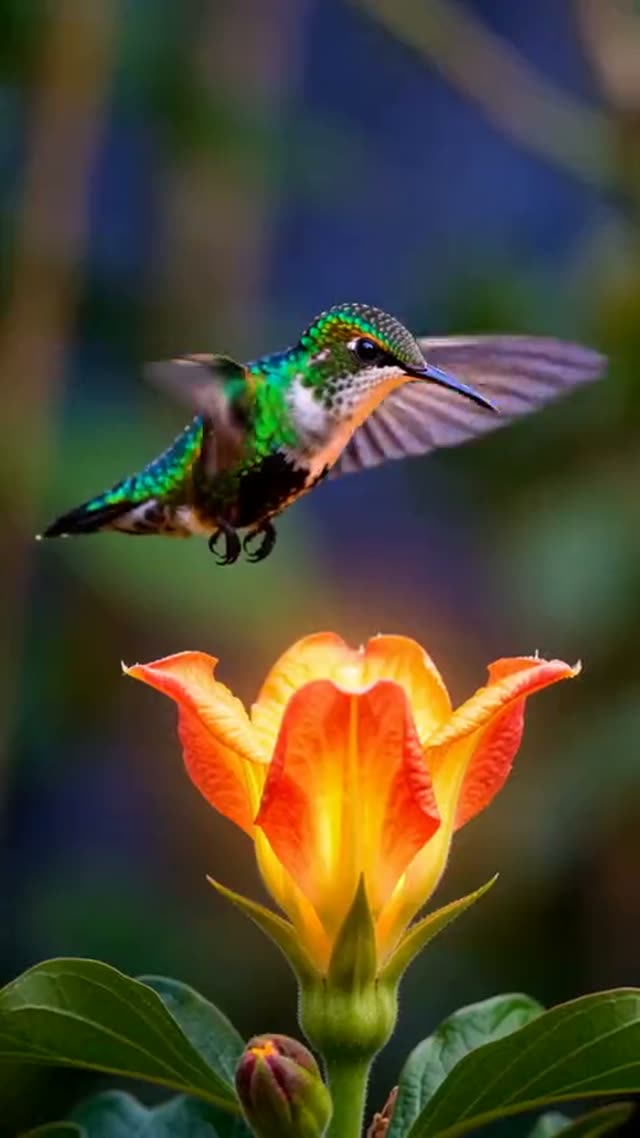
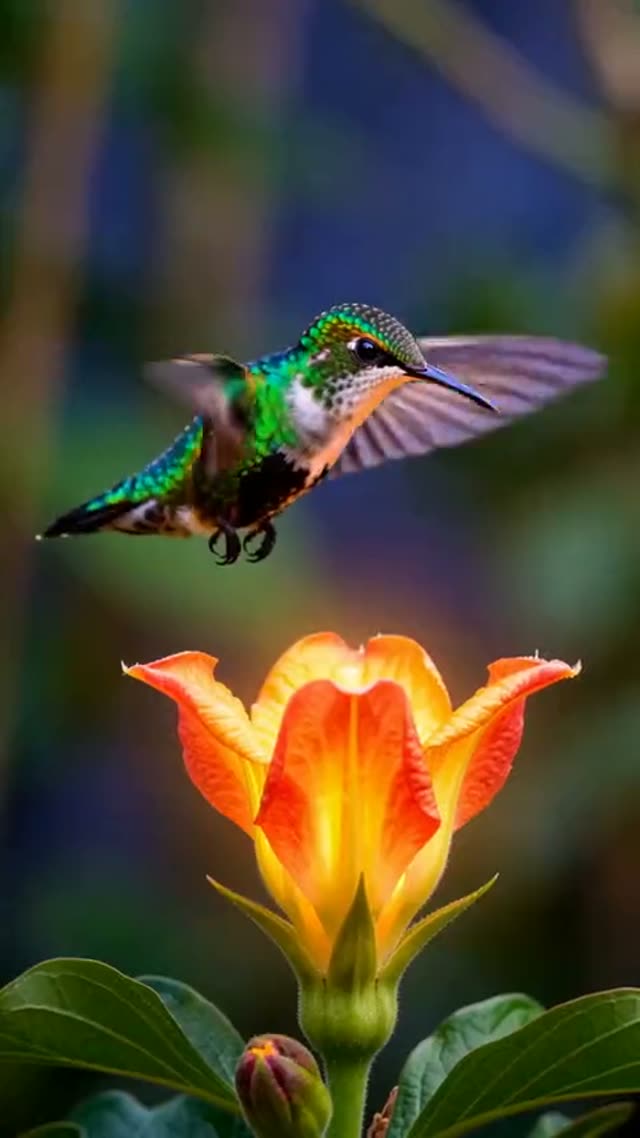
Examples made with these models
Real outputs. Open a model for its specs, prices and more examples.


How to generate an AI video
- 1
Pick text or a photo
Open Text to Video for a prompt, or Image to Video to start from a picture you own.
- 2
Choose a model
Each model has its own strengths: Seedance and Kling for motion and people, Veo for sound and realism, Wan and Hailuo for low-cost tests. The cost updates as you change duration and resolution.
- 3
Write one clear shot
One subject, one action, one camera move: "a barista pours latte art, slow push-in, warm morning light". Short, concrete prompts give steadier results.
- 4
Generate and download
Clips usually finish in one to a few minutes and are saved to My Creations. If a generation fails, the credits are refunded automatically.
Every AI video model on VdoBloom
Grouped by family. Each page lists durations, resolutions, prices and examples.
Wan AI
- Wan AI 3.0 Video · Text & Image to Video
- Wan AI 3.0 Video Prime · Text & Image to Video
- Wan AI 3.0 Reference-to-Video · Image to Video
- Wan AI 3.0 Prime Reference-to-Video · Image to Video
- Wan AI 2.7 Text-to-Video · Text to Video
- Wan AI 2.7 Image-to-Video · Image to Video
- Wan AI 2.7 Reference-to-Video · Image to Video
- Wan AI 2.6 Text-to-Video · Text to Video
- Wan AI 2.6 Image-to-Video · Image to Video
- Wan AI 2.6 Flash · Image to Video
- Wan AI 2.5 Image-to-Video · Image to Video
- Wan AI 2.2 A14B · Text & Image to Video
- Wan AI 2.2 Animate Replace · Video Character Replacement
Kling
- Kling V4.0 Text-to-Video · Text to Video
- Kling V4.0 Image-to-Video · Image to Video
- Kling V4.0 Reference-to-Video · Image to Video
- Kling V3.0 Omni Text-to-Video · Text to Video
- Kling V3.0 Omni Image-to-Video · Image to Video
- Kling V3.0 Omni Reference-to-Video · Image to Video
- Kling V3 Turbo Text-to-Video · Text to Video
- Kling V3 Turbo Image-to-Video · Image to Video
- Kling V3.0 · Text & Image to Video
- Kling V2.6 Image-to-Video · Image to Video
- Kling V2.5 Turbo · Image to Video
- Kling 3.0 Motion Control · Video Character Replacement
PixVerse
Seedance
HappyHorse
Vidu
Grok Imagine Video
Runway
Gemini Omni
MiniMax H3
P-Video
Hailuo
Veo 3.1
Not sure which to pick? Read the best AI video generators, tested or browse all models.
AI video generator FAQ
What is the best AI video generator?
It depends on the shot. Seedance 2 and Kling are strong on human motion, Veo 3.1 adds native sound, and Wan or Hailuo are good for cheap tests. VdoBloom lets you try them side by side on one balance instead of paying for several subscriptions.
How much does an AI video cost?
Every clip has a credit price shown before you generate. Short low-resolution clips start at a few credits; premium models at 1080p cost more. New accounts get 10 credits with no card, and credit packs never expire.
Can I use my own photo?
Yes. Image to Video animates a photo you upload. Only use photos you own or have permission to use; videos of real people need their consent.
Do downloads have a watermark?
Downloads on the free starter credits carry a VdoBloom watermark. After any credit pack or plan you can download without it.
How long can a clip be?
Most models make 5 to 10 second clips; some go to 15 seconds or longer. You can extend a clip or join several in the Timeline Editor.
Make your first AI video
10 credits on sign-up, no card. The cost of every clip is shown before you generate.